

Externally owned account (EOA)
An Externally Owned Account (EOA) is a blockchain account controlled by a user via a private key. The private key is a secret value used to sign transactions. Keep it secure and never share it. Common EOA wallet interfaces: MetaMask, Rainbow, Coinbase Wallet, Rabby, and similar browser extensions or mobile apps. On Limitless: You connect an EOA from the main login menu. For every on-chain transaction, you must approve it in your wallet interface (e.g., MetaMask).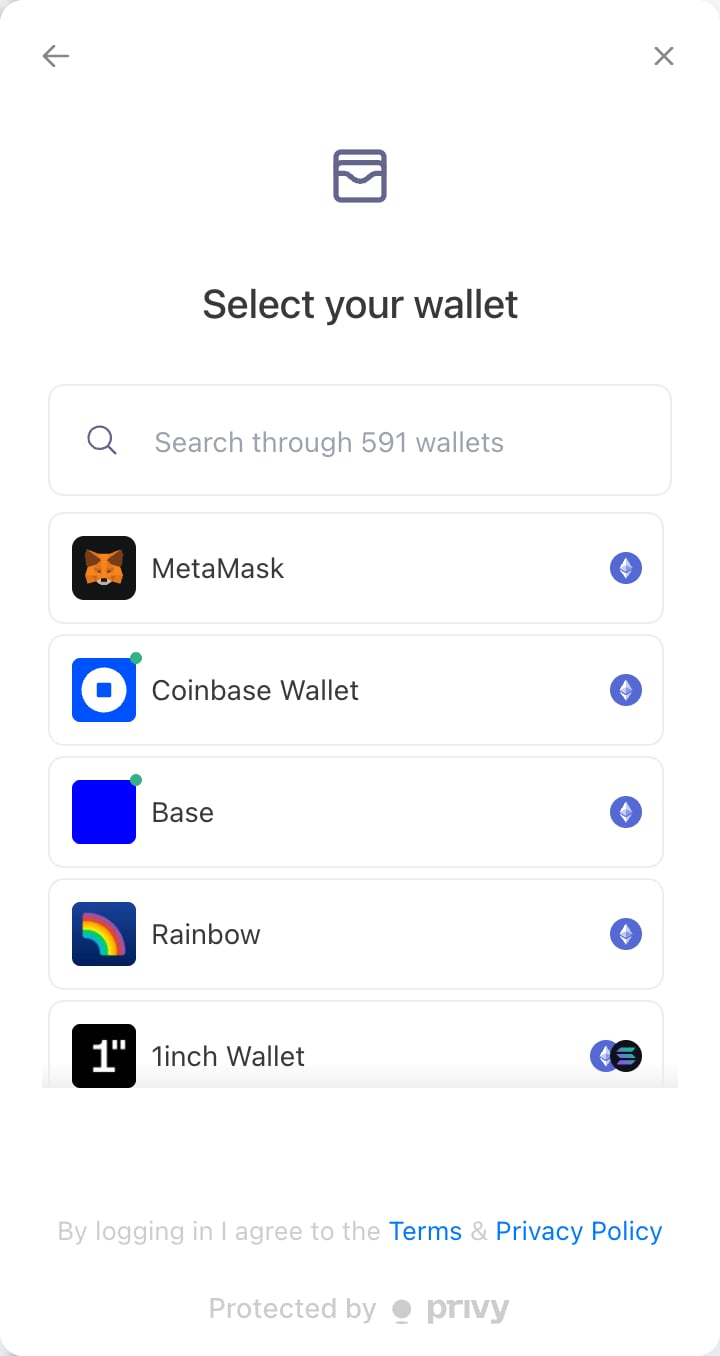
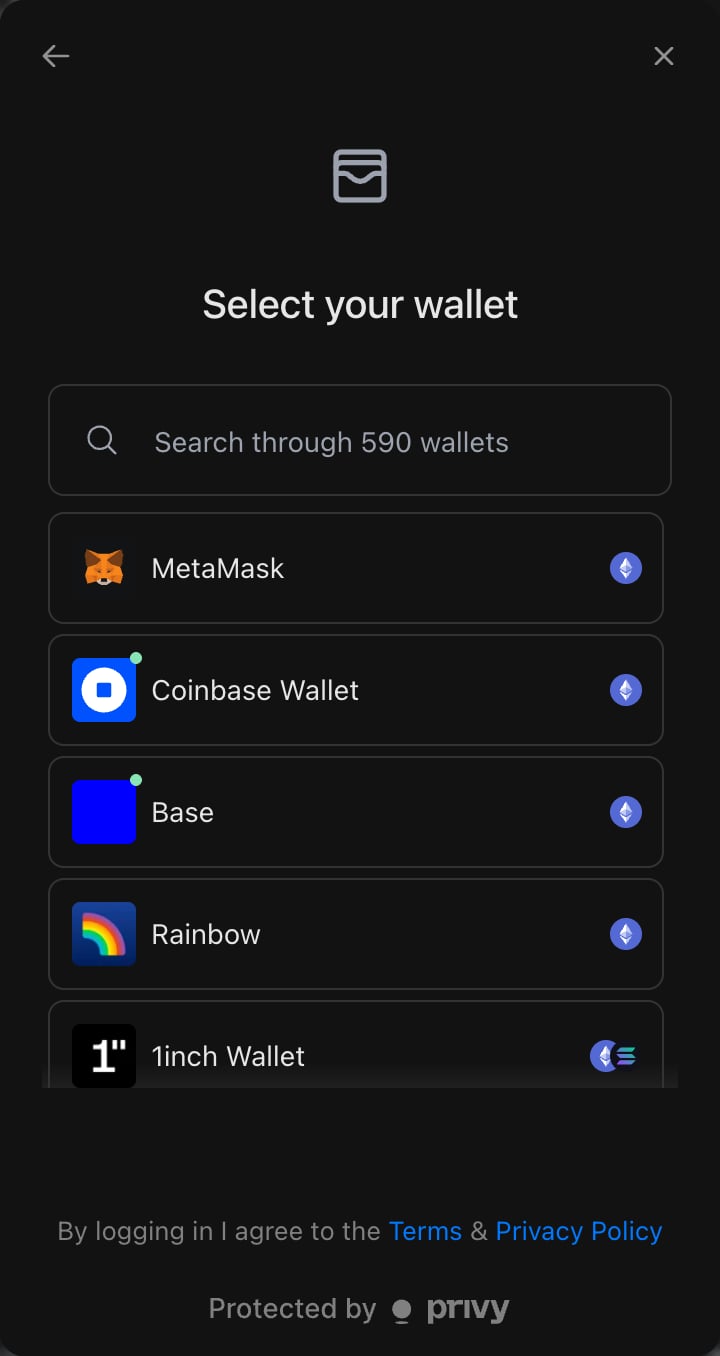
EOA wallet connection options on Limitless
Embedded wallet
An Embedded Wallet is a non-custodial wallet created and operated within an application by a third-party provider, without a separate wallet app. On Limitless: When you sign in via social login (e.g., Google, Twitter), an embedded wallet is created automatically after authentication. You can execute transactions directly from the app without an extra approval step in an external wallet.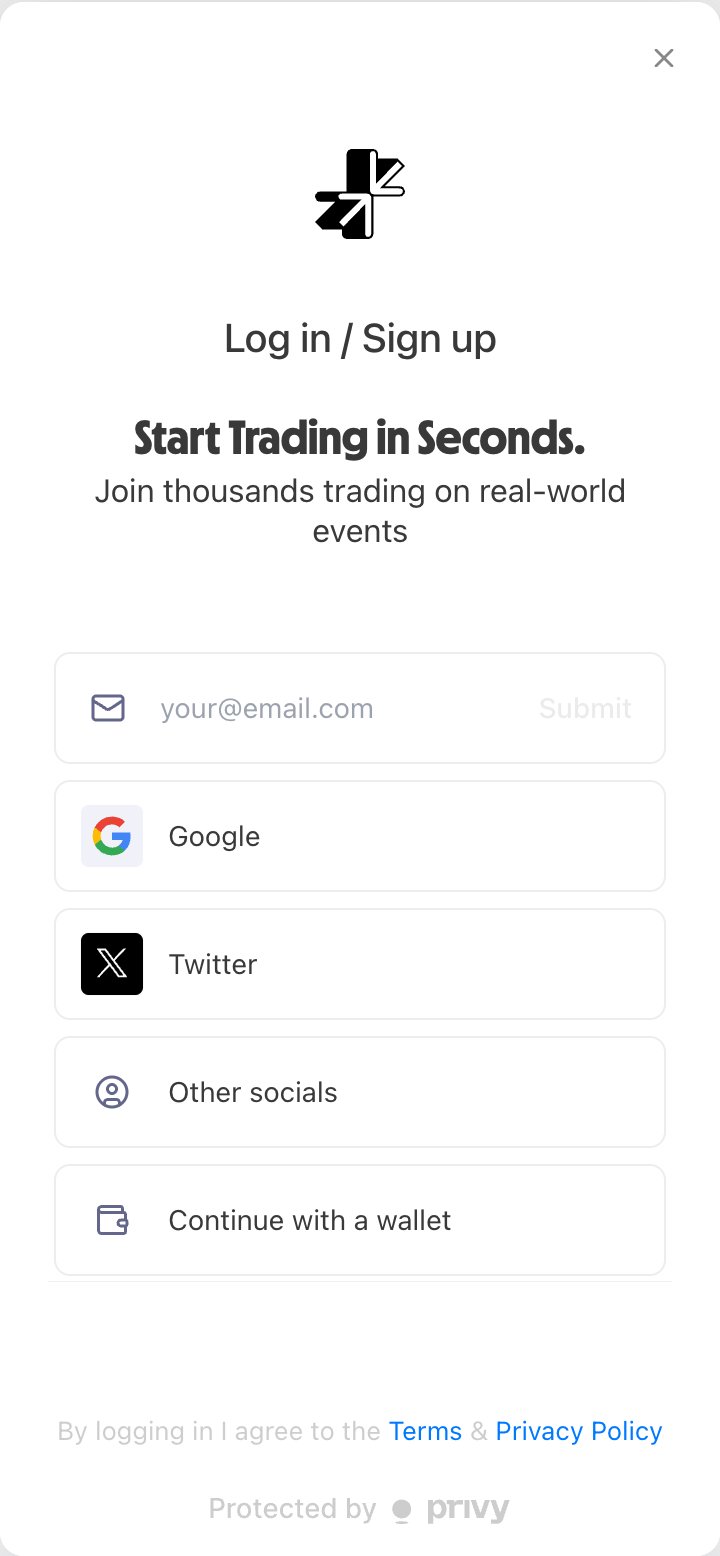
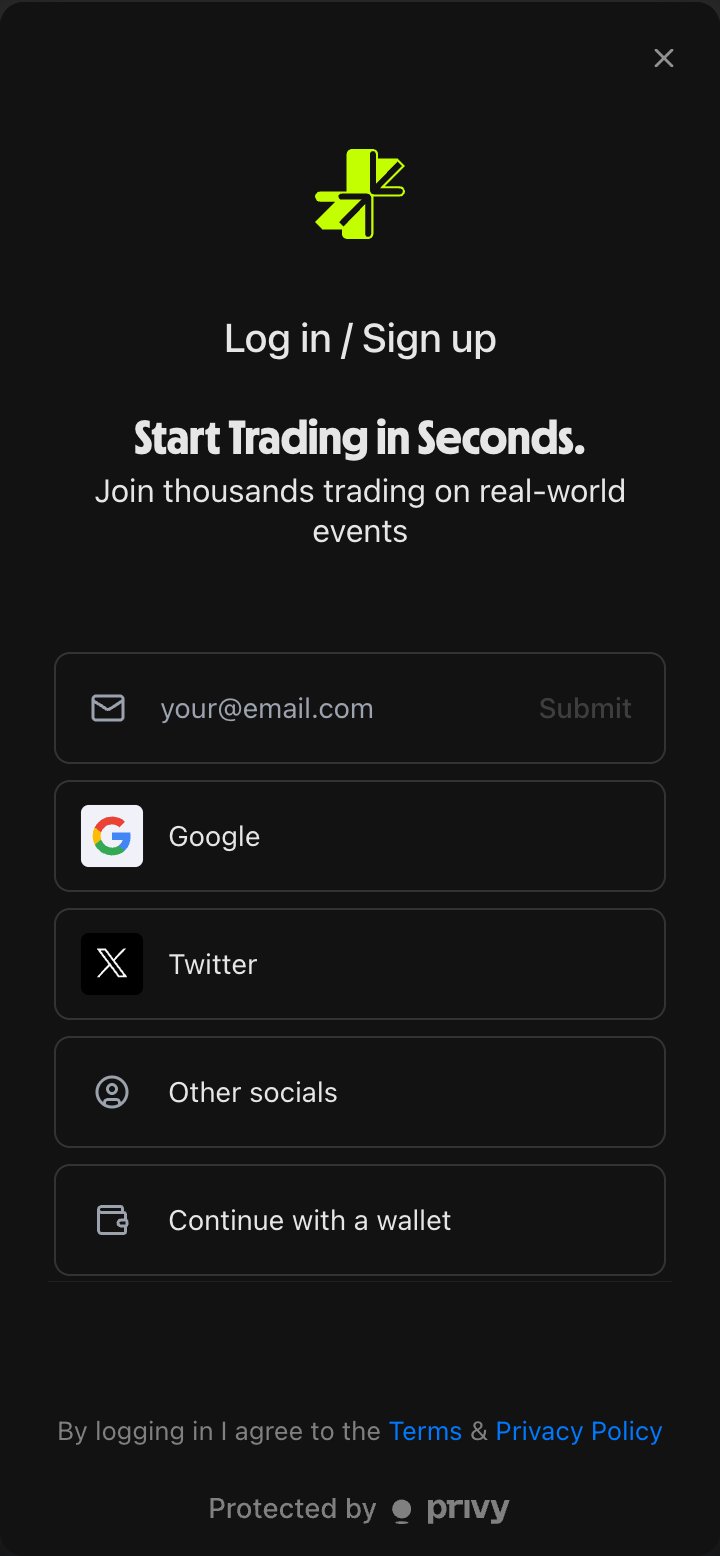
Social login options for creating an embedded wallet
Smart wallet
A Smart Wallet is an account implemented as a smart contract on-chain. It supports features such as:- Account recovery
- Programmable logic for custom behavior
- Gas fee abstraction and batched transactions
Trading wallet mode
Accounts connected with an external wallet may see a one-time “choose your trading wallet” prompt offering 1-click (smart wallet) trading. Accepting it sets your profile’s trading mode to smart wallet: app trades then run gas-free through a smart wallet instead of requiring a confirmation in your external wallet for every action. The prompt does not reappear after you choose. This choice matters if you later trade through the API: in smart-wallet mode, the API rejects orders signed with your external wallet’s own key. Developers can switch the profile back to EOA trading mode with a single authenticated call. See Trading wallet mode in the developer docs.Summary
Exporting private keys
How (and whether) you can export a private key depends on the wallet type:- EOA wallet: your wallet interface (MetaMask, Rabby, Coinbase Wallet, etc.) manages the private key. Follow that wallet’s export instructions. Limitless never has access to it.
- Embedded wallet: the wallet is created and secured by the embedded-wallet provider (Privy). By design, the raw private key is not exposed to the app or to the user. This is a provider-level security guarantee, not a Limitless restriction, so the key cannot be exported for external signing.
- Smart wallet: a smart wallet is a contract account and does not have a single private key. It is controlled by its owner key (the embedded wallet), which is also non-exportable.
For programmatic trading from a social-login account, you cannot lift the
embedded wallet’s key into an external script. Instead, either:
- Trade from a separate EOA whose private key you control (sign orders yourself), or
- Use delegated signing via the Programmatic API, where the server signs on your behalf using the managed embedded wallet — no private key handling required.
Depositing and withdrawing funds
Limitless does not hold a platform balance. Your USDC always lives in your wallet on Base. Depositing and withdrawing therefore look different depending on your wallet type.Depositing
- EOA wallet: bridge or send USDC on Base to your EOA address. Once the balance is on Base, it is immediately usable for trading.
- Embedded or smart wallet (social login): the Limitless UI shows your embedded and smart wallet addresses. Send USDC on Base to that address to fund the account. You do not need to hold ETH for gas when trading from a smart wallet.
Withdrawing
- EOA wallet: your USDC already sits in your own wallet. To move it elsewhere, send it from your wallet interface (MetaMask, Rabby, etc.) like any other ERC-20 transfer on Base. Limitless does not need to be involved.
- Embedded or smart wallet (social login): use the Withdraw action inside the Limitless UI to transfer USDC from your smart wallet to another address on Base. The platform sponsors gas.
- Programmatic partners: server-managed wallets withdraw via the
POST /portfolio/withdrawendpoint. The destination address must either be the authenticated account, its smart wallet, or an allowlisted withdrawal address on the profile. Allowlisted addresses are managed withPOSTandDELETE /portfolio/withdrawal-addresses, which only a Privy (browser) session can call; an HMAC token cannot edit the list.
All deposits and withdrawals settle on Base. Sending USDC from another chain (Ethereum mainnet, Arbitrum, etc.) without bridging first will not be credited. Bridge to Base before sending.