> ## Documentation Index
> Fetch the complete documentation index at: https://docs.limitless.exchange/llms.txt
> Use this file to discover all available pages before exploring further.
# Managing Orders
> View and cancel your open orders
## Viewing Open Orders
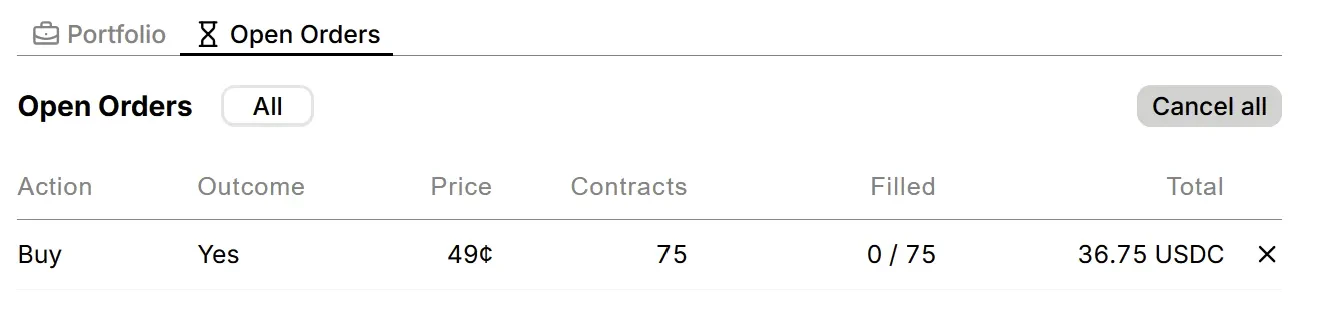
Navigate to the market's order book page to view your active orders. Each order shows its side (buy/sell), price, size, and status.
 ## Cancelling Orders
To cancel an order, select the **cancel button** next to it. Your locked funds return immediately.
You can also cancel orders programmatically via the API:
* [Cancel a single order](/api-reference/trading/cancel-order)
* [Cancel orders in batch](/api-reference/trading/cancel-batch)
* [Cancel all orders in a market](/api-reference/trading/cancel-all)
## Cancelling Orders
To cancel an order, select the **cancel button** next to it. Your locked funds return immediately.
You can also cancel orders programmatically via the API:
* [Cancel a single order](/api-reference/trading/cancel-order)
* [Cancel orders in batch](/api-reference/trading/cancel-batch)
* [Cancel all orders in a market](/api-reference/trading/cancel-all)